Your money, in a cozy pixel room
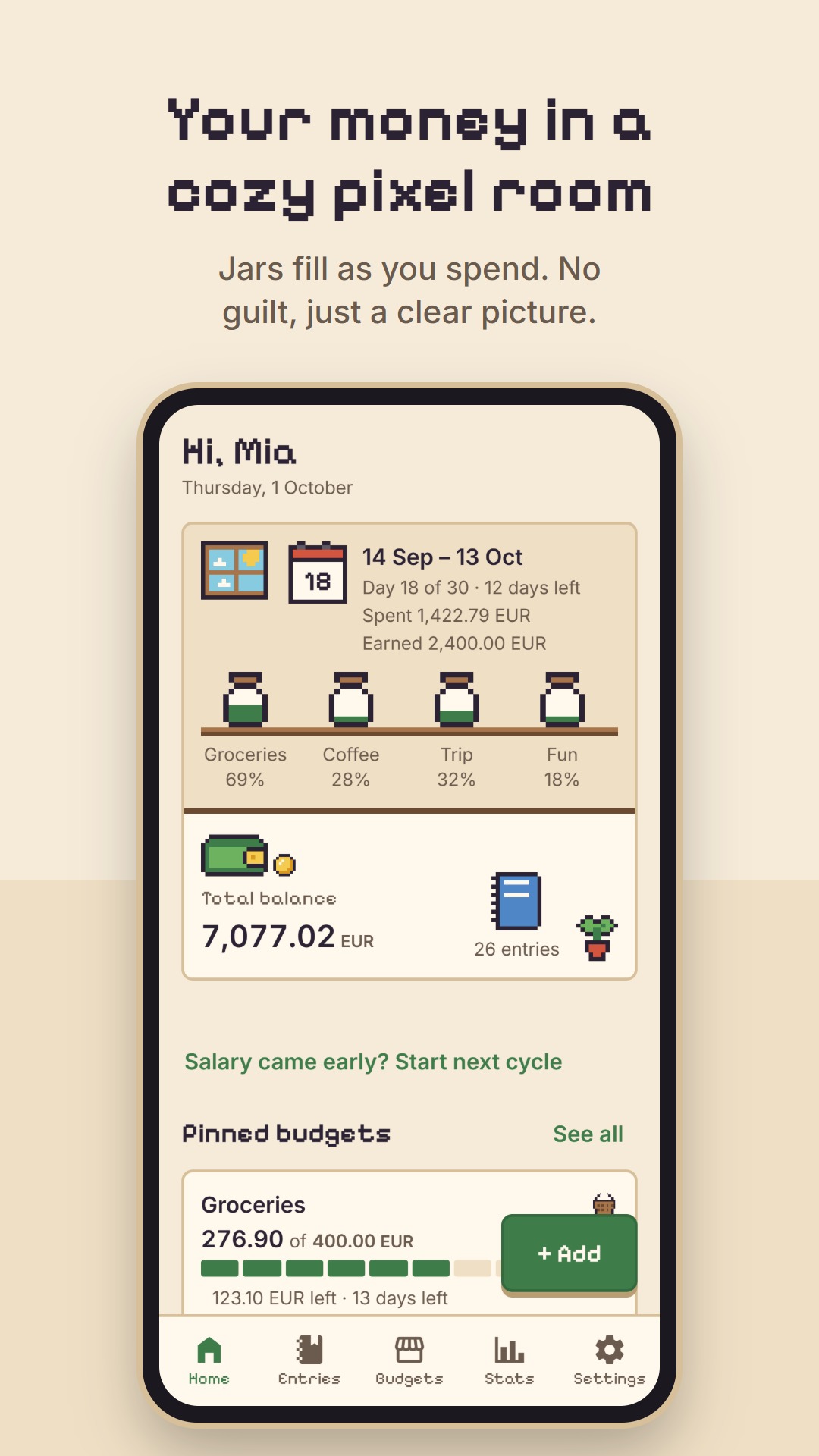
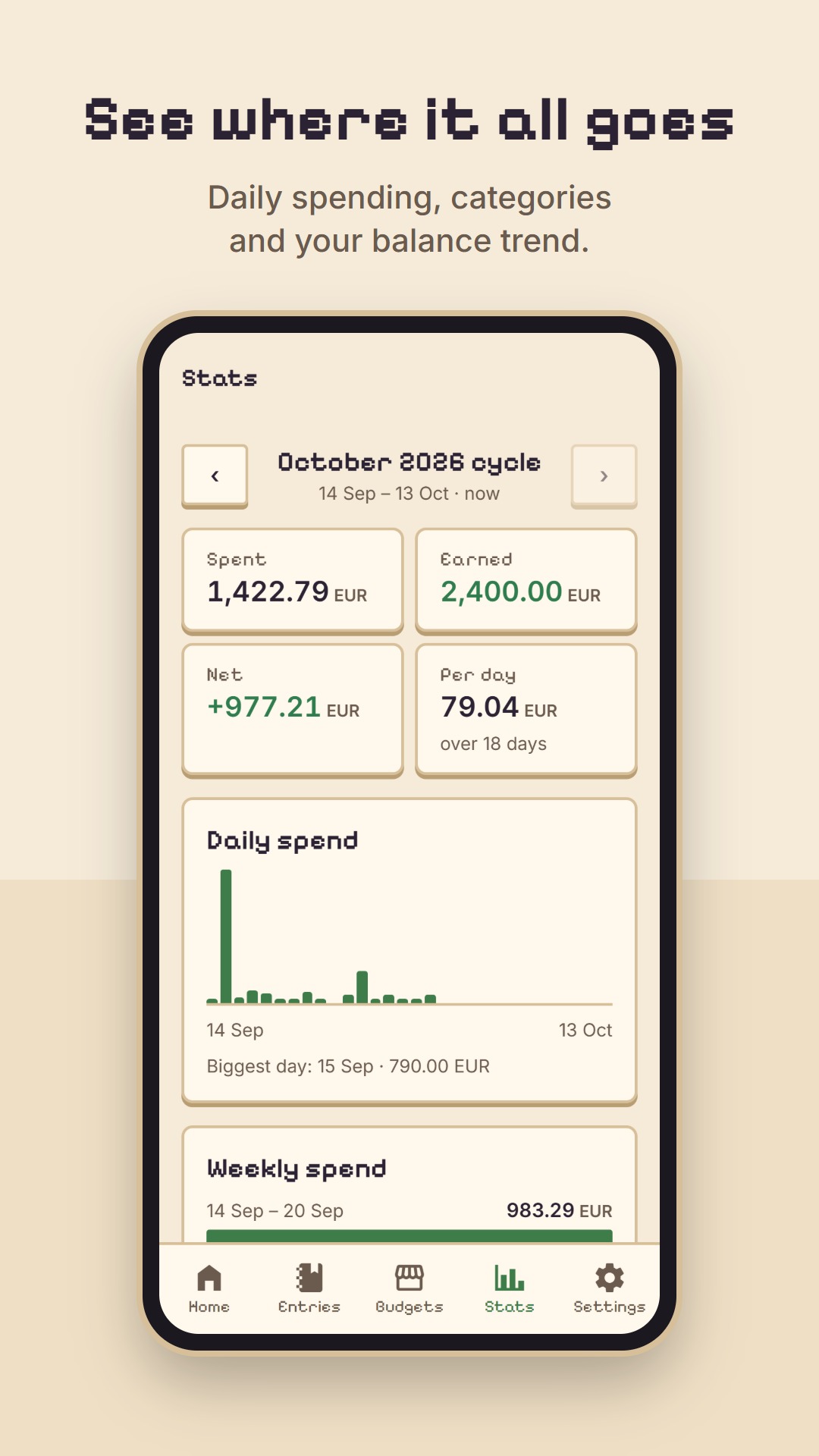
Log an expense in a few seconds, watch your budget jars fill, and see your month take shape. Budgets follow your payday, everything works offline, and there are no ads or tracking.
- Free
- No ads
- Works offline
- English · Français · العربية

A look inside
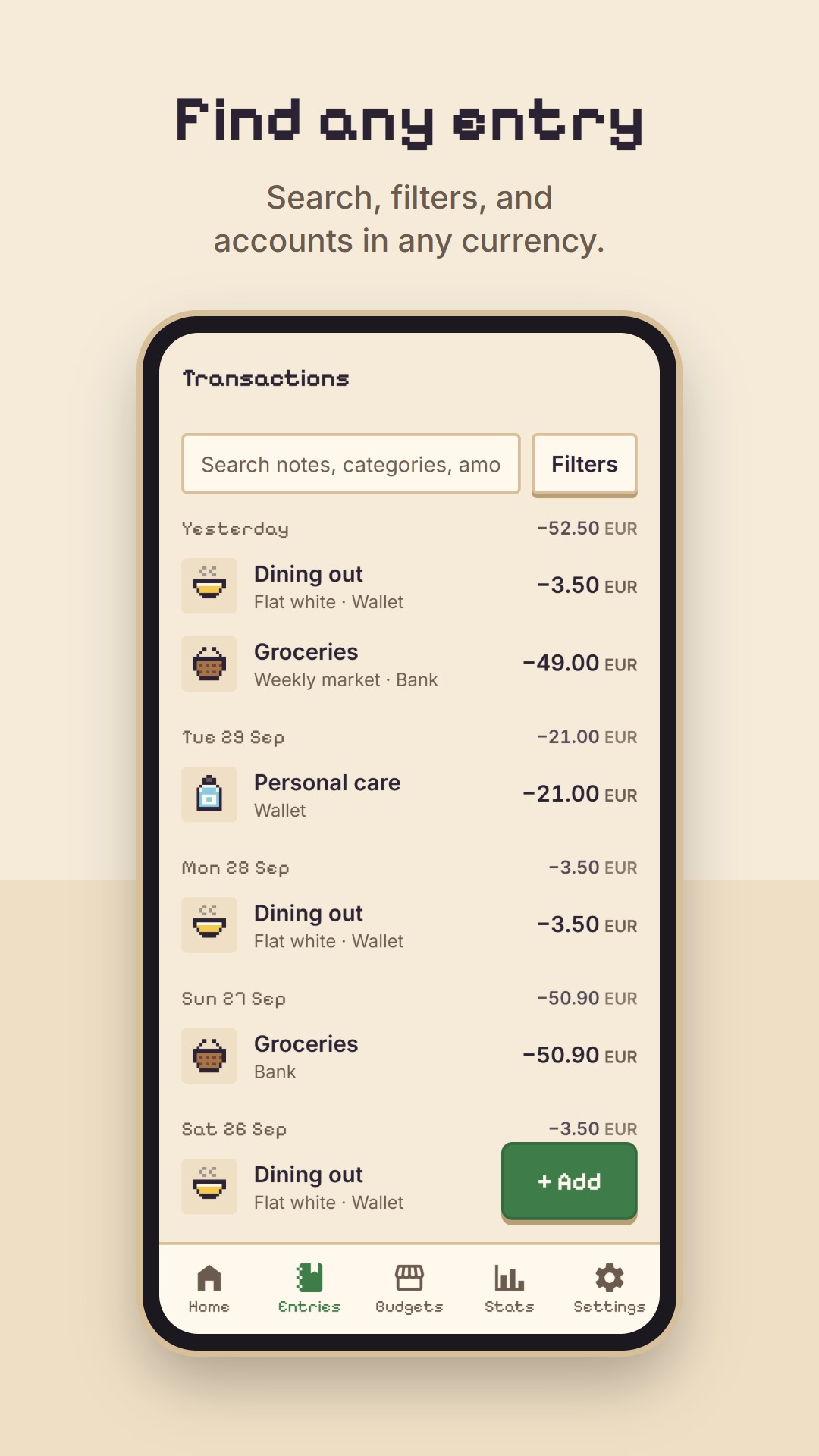
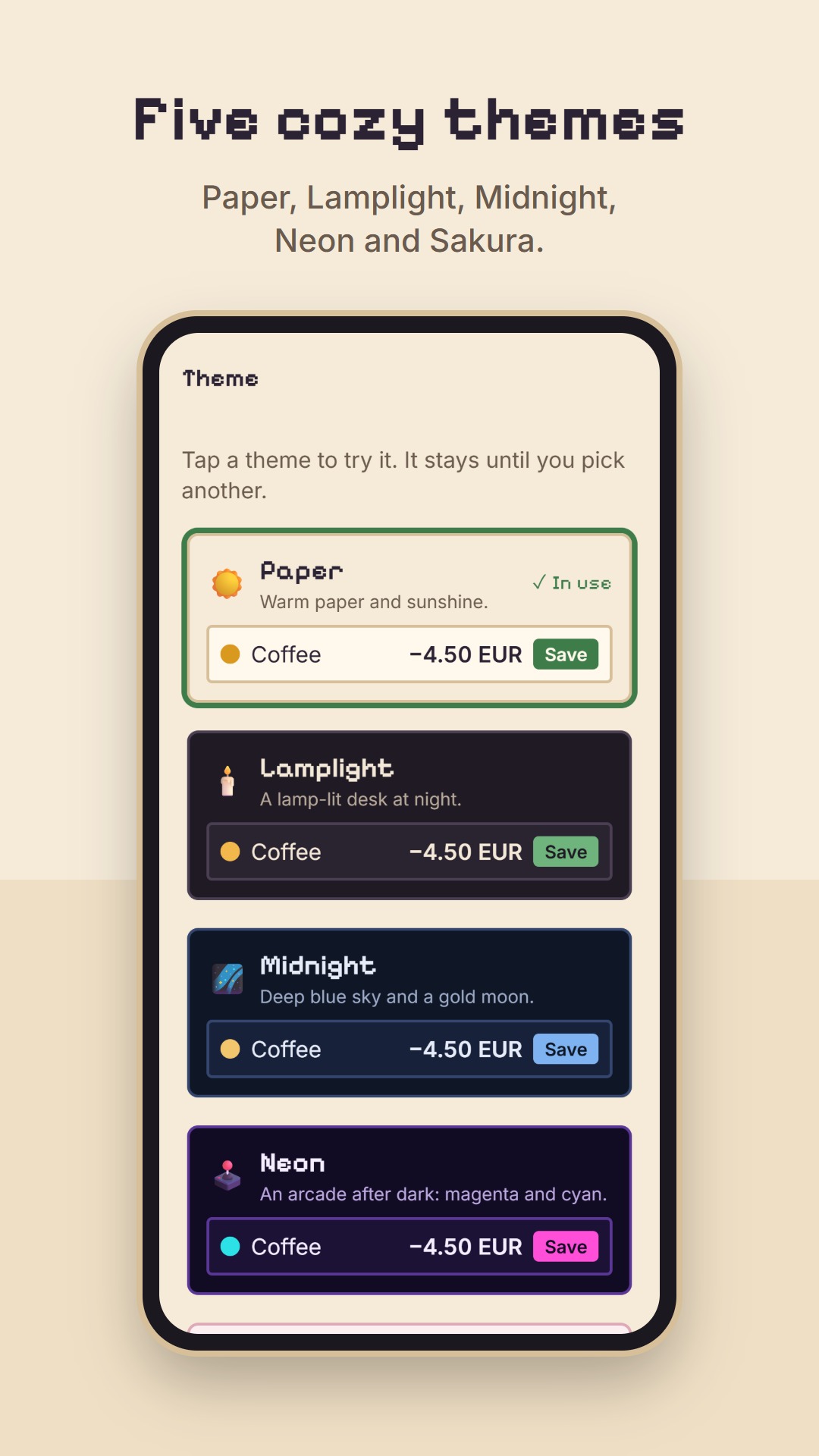
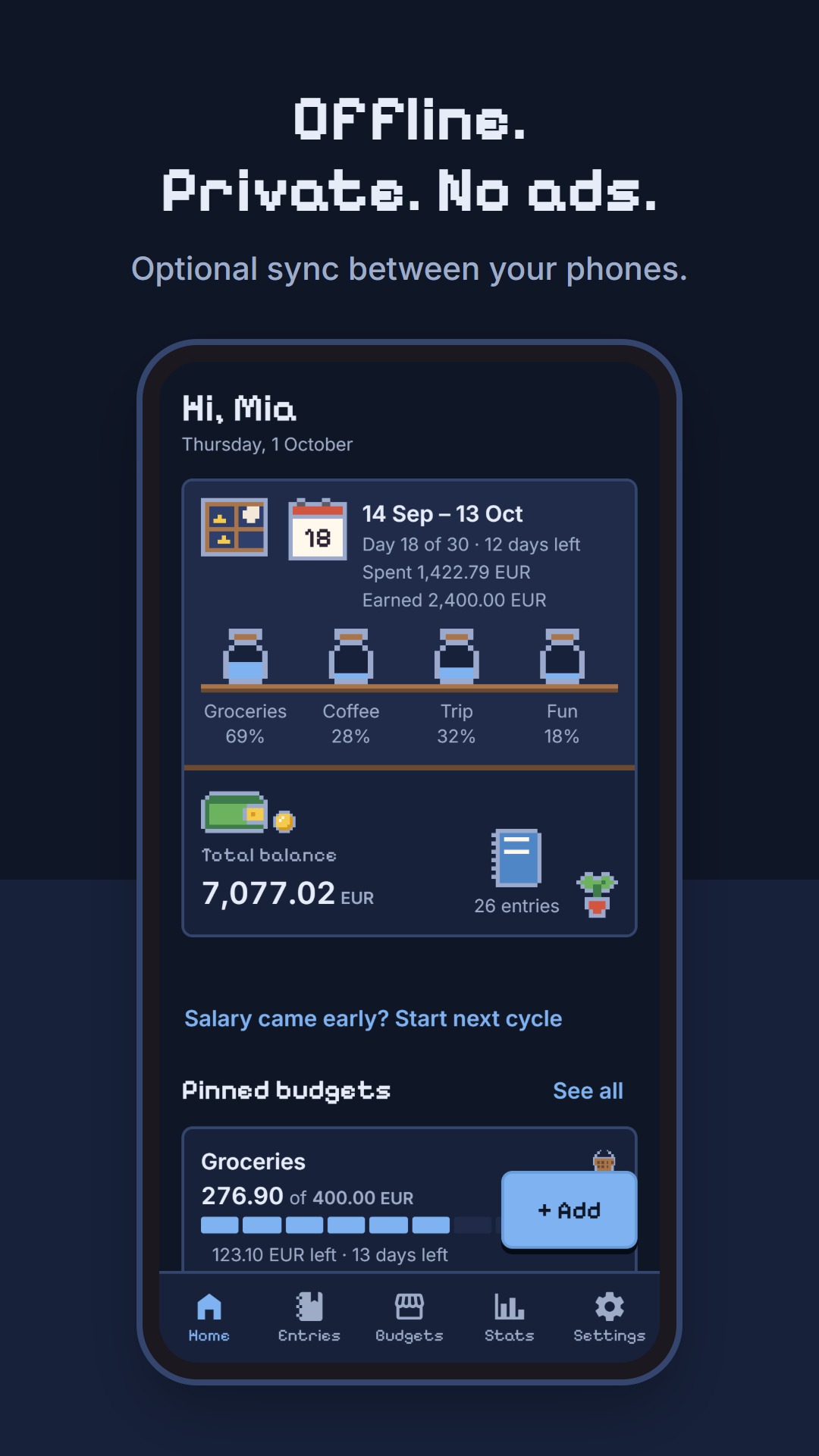
Made for real paychecks
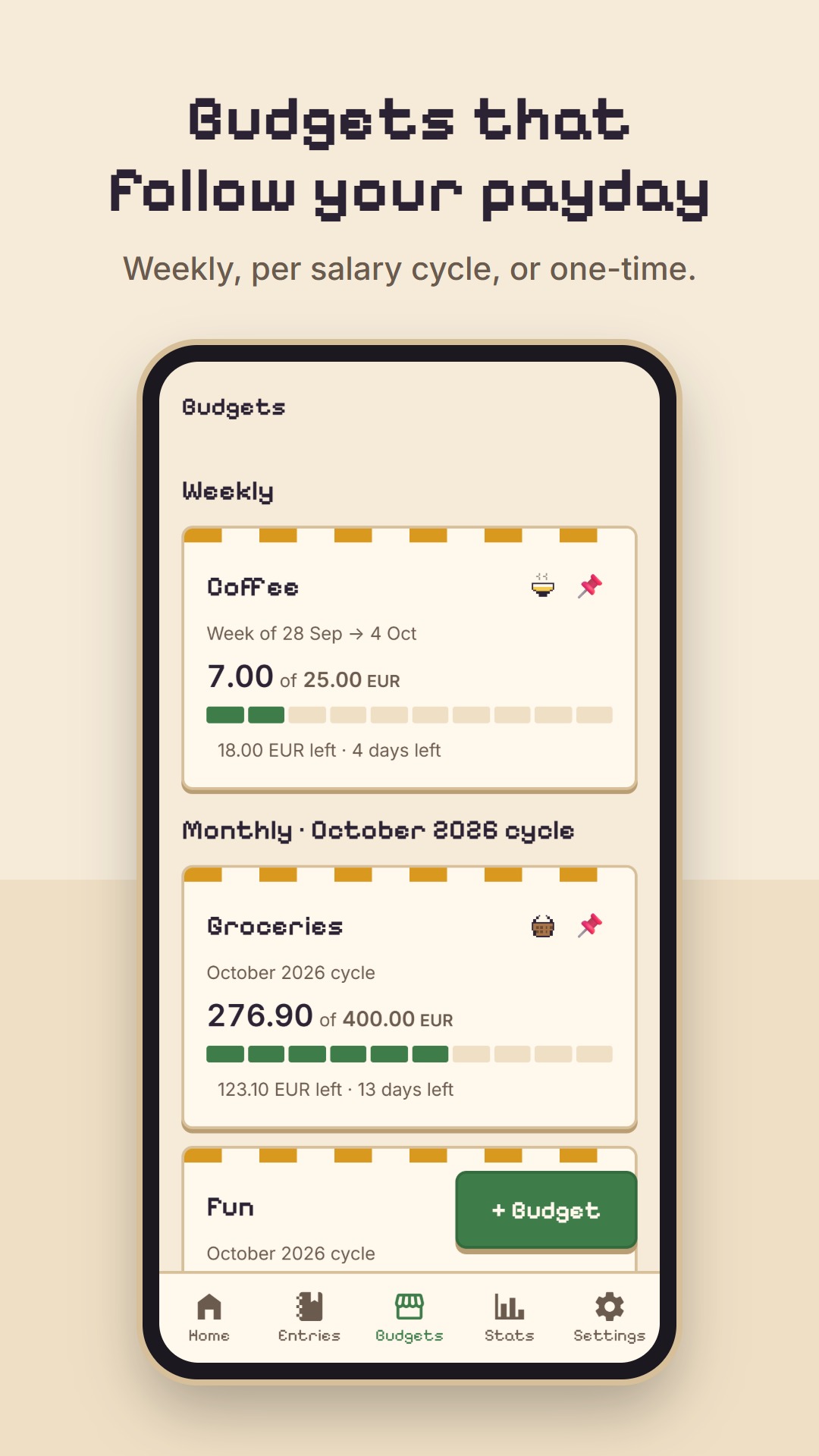
Budgets that follow your payday
Set your salary day and Pixi plans by cycle, not just by calendar month. Weekly, per cycle or one-time budgets fill up like little jars.
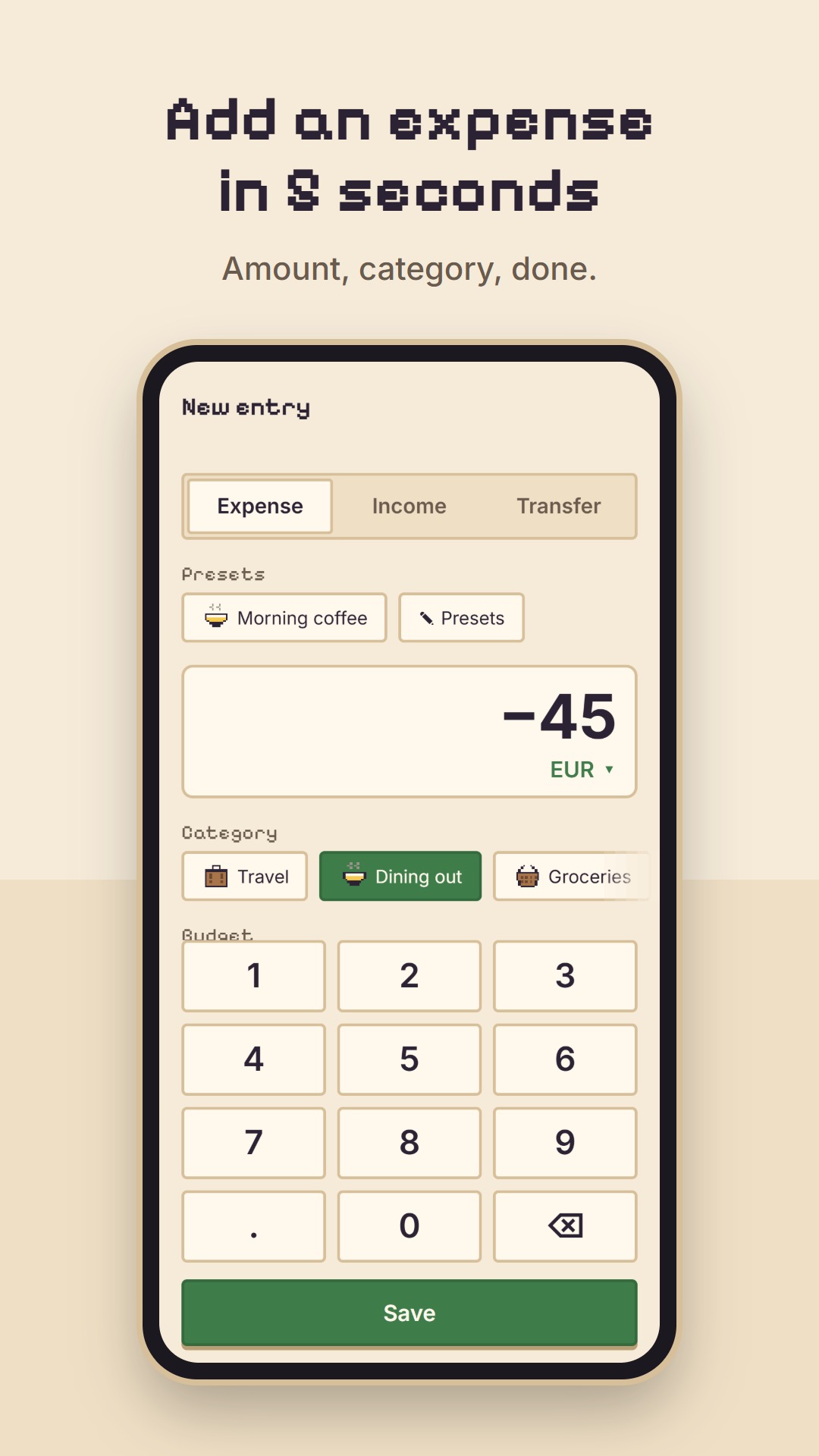
An expense in under 5 seconds
Amount, category, done. Presets add your usual morning coffee in one tap.
Gentle, never guilty
Heads-ups when a budget gets close, worded to inform, not to scold. Spending isn't painted red.
Many currencies, one total
Accounts, entries and budgets in 34 currencies, converted to your main one with online or typed rates.
Yours, and only yours
No sign-up needed: your data stays on your phone. Export a backup whenever you like.
Optional sync
Sign in with email or Google to keep two phones in step. Delete the account any time.
Help shape Pixi
Pixi Budget is in beta on Android. Google asks new apps to be tested by real people for two weeks before they go public, and every tester helps.
- Tap “Join the beta” and say hi: you'll get the testers' group and the Play Store link.
- Install Pixi Budget from Google Play with the same Google account.
- Use it for 14 days and tell us what's confusing, broken or lovely.